1. Get access
Sign in to Google Groups and select Join group. Then return here for step 2.
1. Join tester group100% OfflineNo AccountNo AdsNo Tracking
Turn transaction SMS into organized expenses.
See where your money goes. Keep it all on your phone.
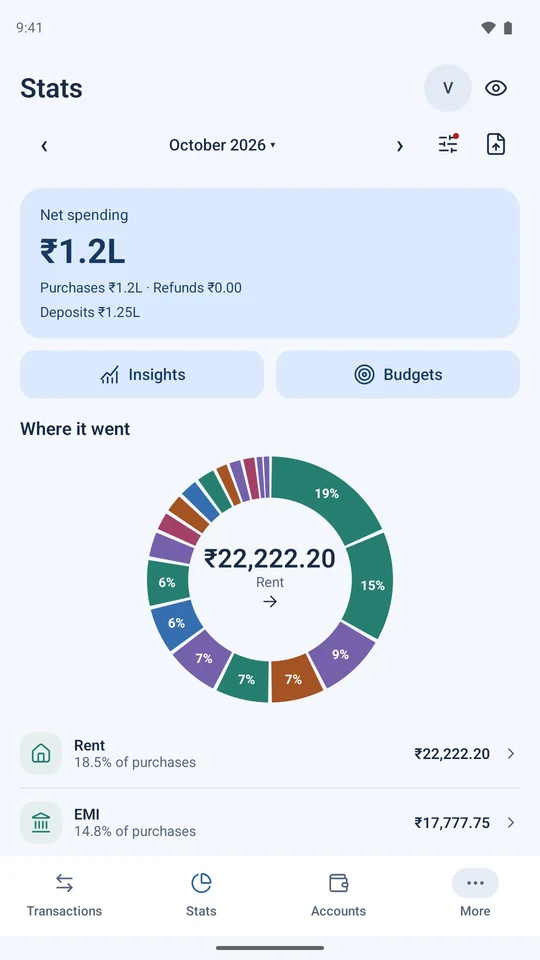
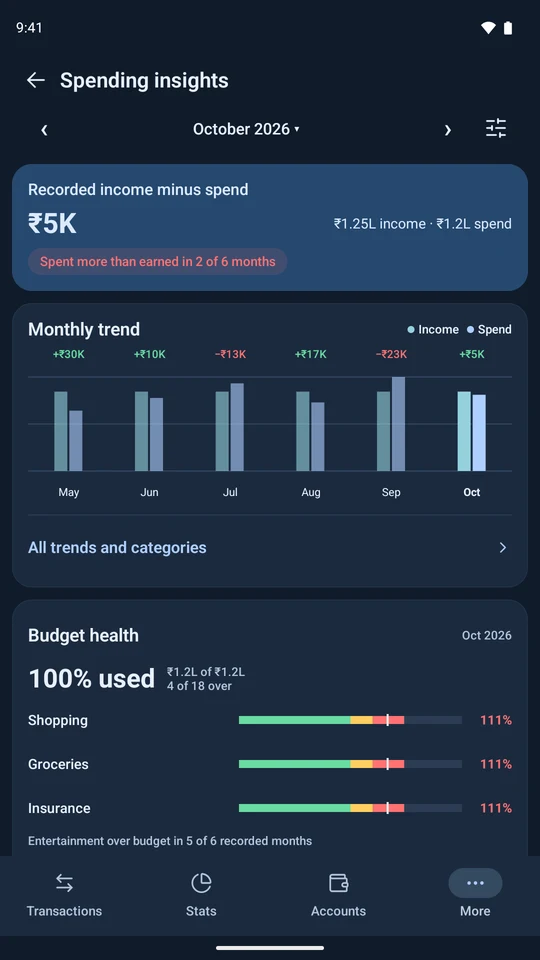
Real app screens · Light & dark themes
Help shape the first release
Two steps to install on Android. Start with the group, then join the test.
Use the same Google account for both steps—the one you use on Google Play.
Already joined the group? Go straight to step 2.
Sign in to Google Groups and select Join group. Then return here for step 2.
1. Join tester groupOn Google Play, select Become a tester, then follow the download link to install.
2. Open Google Play testIf Google Groups shows a permission message, sign in first. Still blocked? Email [email protected].
Take a quick look
Explore spending trends, credit-card statement cycles, budgets and rules. Create an encrypted backup, share it from your phone, and switch between light and dark themes.
A simpler daily habit
Your messages become records. Your records become insights.
Choose a period and find recognized bank and card transactions locally. Clear review actions help with uncertain alerts and possible duplicates.
Edit built-in rules or create your own. Matching transactions are organized automatically, while your manual category choices stay yours.
Follow category trends, compare recorded income and spending, and see where you are approaching a budget.
The whole household
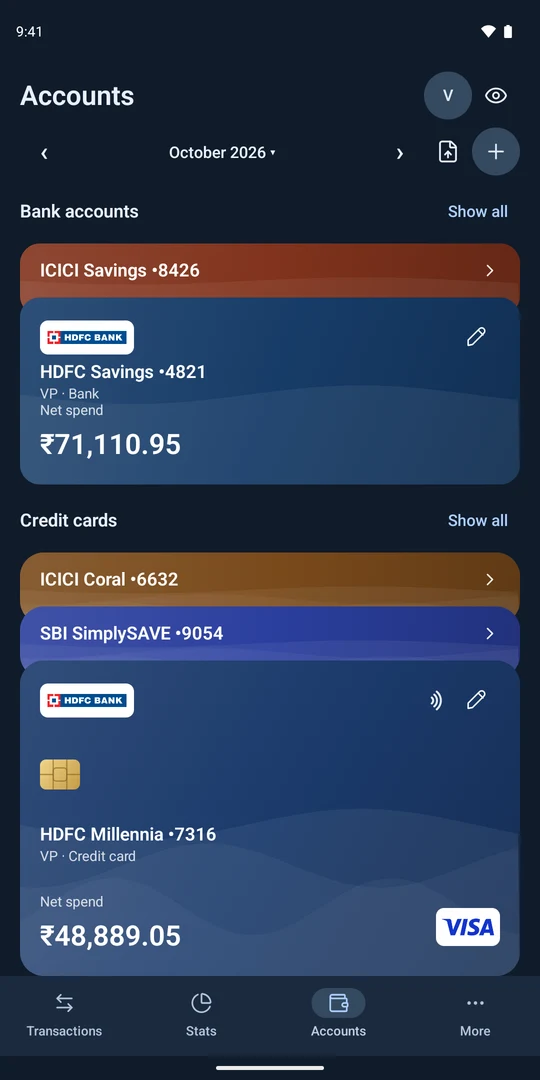
Keep bank accounts and credit cards together, with separate family profiles and a combined view.
Your records stay yours
.ommbackup
Create a password-encrypted app backup, then restore it on a fresh installation. Includes profiles, accounts, rules and budgets—not just transaction rows.
.xlsx
Export readable Excel records with optional name masking. Use them in your own spreadsheet or reimport the app’s transaction export. Excel files are not encrypted.
Both save locally. You choose whether to share a file with another app.
No. The Android app has no Internet permission. It reads selected Excel files and, if you allow it, transaction SMS already on your phone. It does not ask for bank login credentials.
No parser covers every bank format. Supported transaction alerts can be added automatically; uncertain ones may need review. Android SMS access does not include RCS chats. You can also import an Excel statement or add a transaction yourself.
Yes. Excel bank/card statement imports and manual transactions work without SMS access. You can turn SMS import off whenever you choose.
No. Family profiles live on one phone. An encrypted .ommbackup file can move your records to a fresh installation; it cannot merge two existing app histories.
We cannot recover it or your backup. Keep a safe copy of your encrypted backup and remember its password. Uninstalling or clearing app data without a usable backup can lose your records.

A clearer view. A little more peace of mind.
Coming soon to Google Play · Android 11+
Share your thoughtsNeed help? Contact support